



VegaStars on Mobile: An Expert Guide to the App and APK for Australians
There is no VegaStars app in the App Store, but the casino runs fully in a mobile browser, and Android users can install a direct APK. This expert guide explains browser play versus the APK, how to install safely on each platform, and the security checks reviewers consider essential. 18+.
App or Browser? What Australian Players Can Actually Use
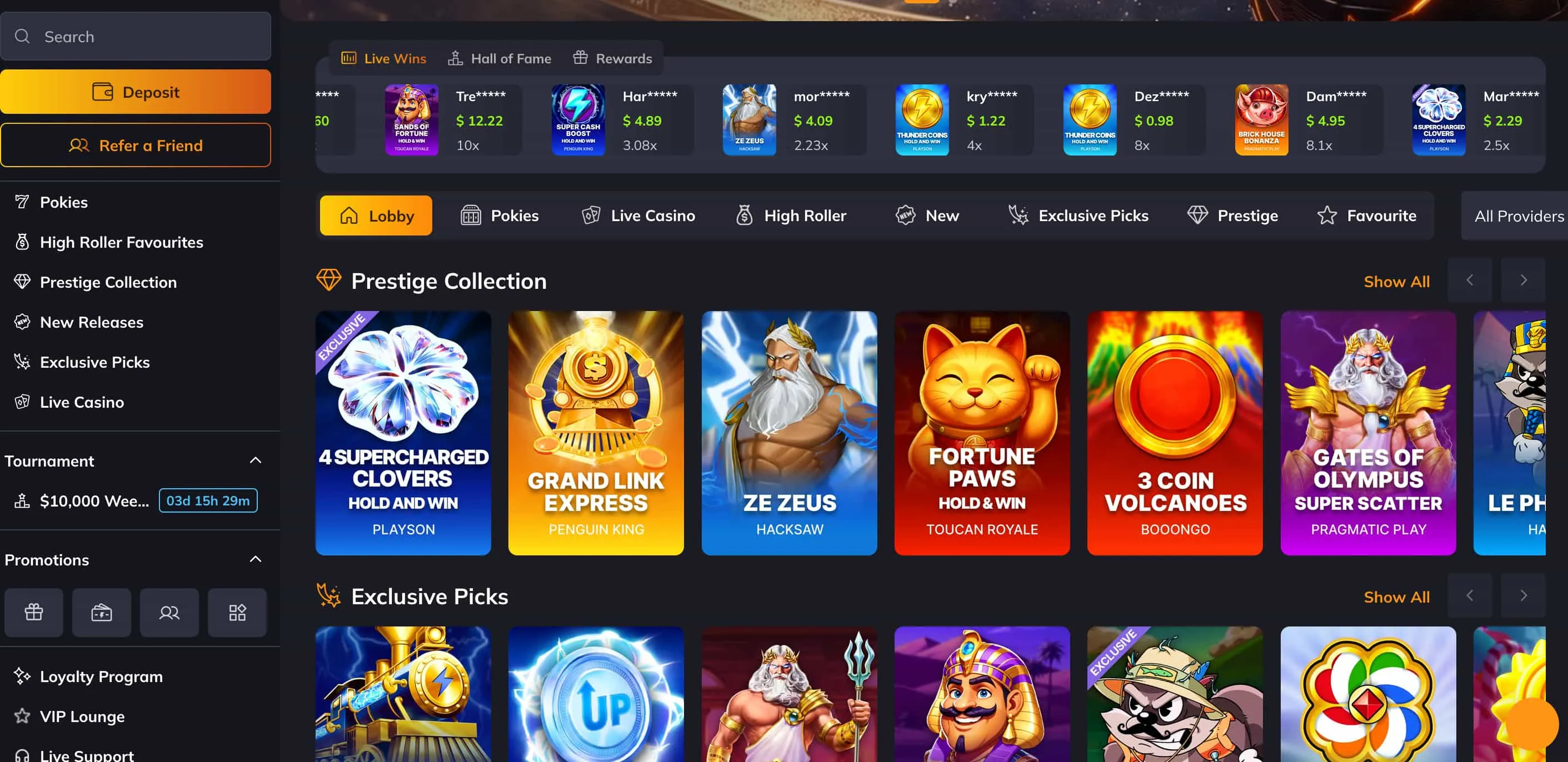
Understanding why there is no store listing helps players avoid being misled. Both the Apple App Store and Google Play restrict real-money gambling apps for Australian users, so VegaStars delivers its mobile experience through the browser instead. Android users have an extra option — a direct APK download from the official site — while iPhone and iPad users access the casino through Safari or Chrome. Experts note the browser version carries the full game library, so no functionality is lost by skipping an install.
| Option | Platform | Install needed? | Full library? |
| Browser play | iOS and Android | No | Yes |
| Android APK | Android only | Yes (direct download) | Yes |
| iOS browser | iPhone and iPad | No | Yes |
Downloading the VegaStars APK on Android
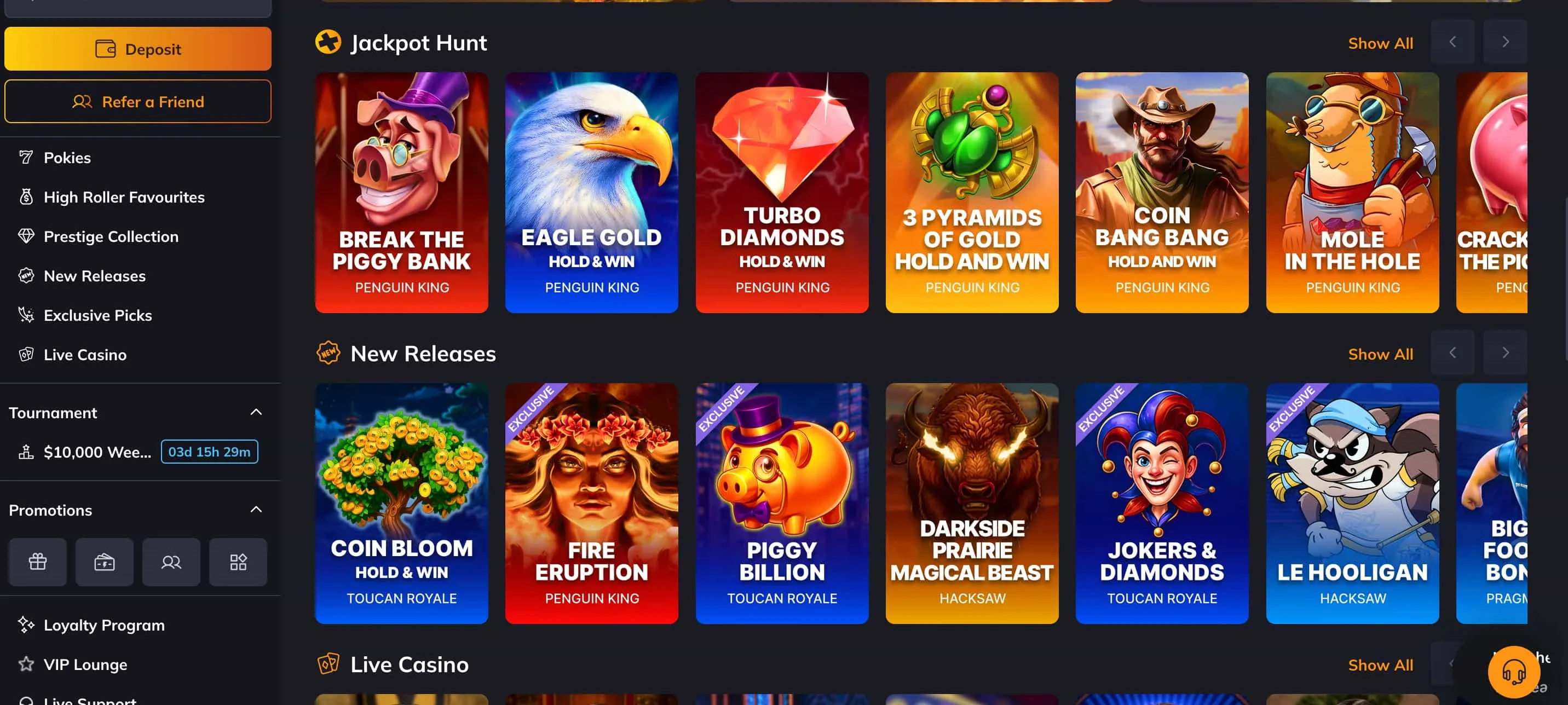
The APK gives Android users an app-style icon and launch experience without going through the Play Store. Experts insist on one rule throughout the process: download the file only from the official VegaStars domain, never from a third-party mirror, since unofficial APKs are a common vector for malicious software. The steps below reflect the standard install on a modern Android device.
- Open the official VegaStars website in the Android browser and locate the Download for Android link.
- Tap the link to download the APK file to the device.
- When prompted, allow installation from this source — Android requests this once for files outside the Play Store.
- Open the downloaded file and confirm the installation.
- Launch the app and log in with the registered email and password, entering a two-factor code if 2FA is enabled.
Reviewers add that players should keep the source link bookmarked, so future updates come from the same verified domain rather than a search result of uncertain origin.
Playing VegaStars on iPhone and iPad
iOS players cannot install an APK, but the browser version is fully functional and, in the view of most reviewers, more than sufficient. The casino loads in Safari or Chrome, and a simple shortcut recreates much of the convenience of a native app.
- Open the VegaStars site in Safari and tap the Share icon.
- Select Add to Home Screen.
- Confirm, and an app-style icon appears on the home screen, opening the casino in one tap.
Experts caution iOS users against installers that require jailbreaking or sideloading from outside sources, as these introduce security and stability risks without adding genuine functionality.
What Works on the Mobile Version
The mobile build is designed for touch rather than being a shrunken desktop layout, and the feature set is effectively complete. Players can do everything that matters from a phone.
- Pokies: the full library, from classic slots to Megaways, renders cleanly on mobile.
- Live dealer: Evolution Gaming streams hold quality on standard 4G and NBN connections.
- Cashier: PayID and cryptocurrency deposits and withdrawals are fully supported.
- Promo codes: registration and code entry work entirely on mobile.
- Responsible gambling: deposit limits and self-exclusion can be set from the phone.
- Support: 24/7 live chat is reachable within the mobile interface.
Staying Safe on Mobile
Mobile security combines account protection with safe-download discipline. Experts recommend enabling two-factor authentication on the phone, relying on the platform's SSL encryption, and — the point that bears repeating — installing the Android APK only from the official site. The same account settings that protect funds also hold the responsible-gambling controls, so limits travel with the player across devices. Anyone who needs support can contact Gambling Help Online on 1800 858 858, free and available 24/7 across Australia. The platform is 18+.
Mobile and App Questions, Answered
Is there a VegaStars app in the App Store? No. Store policies restrict real-money gambling apps for Australian users, so VegaStars runs in the mobile browser, with a direct APK available for Android.
Is the VegaStars APK safe to download? The APK is considered safe when downloaded from the official VegaStars domain. Experts strongly advise against third-party mirrors, which are a common source of malicious files, and recommend enabling two-factor authentication after install.
How does a player download VegaStars on Android? By opening the official site in the Android browser, tapping the download link, allowing installation from that source, and confirming the install — then logging in with their existing credentials.
Can VegaStars be played on iPhone? Yes. The casino runs in Safari or Chrome with the full library, and an Add to Home Screen shortcut provides an app-like icon without any download.
Can players deposit and withdraw on mobile? Yes. The mobile cashier supports PayID and cryptocurrency for both deposits and withdrawals, with the same processing times as the desktop site.
Play Anywhere, Responsibly
Experts recommend setting deposit limits before the first mobile session. VegaStars opens in any mobile browser, with the Android APK available from the official site for those who prefer an app-style launch. New players are advised to start with the sign-up guide first. 18+. Download the APK only from the official site. Gamble responsibly.